Every product, market and order in your Shopify store, laid out flat
pimbo syncs your store so your team can edit products and collections, check what each market sells, look up any order or customer, and read reports that show their working.
Save a product or collection in pimbo and it’s saved in Shopify too.
One store, five sections
The same sections as the app, each in the colour it wears there.
- ProductsEdit products and collections, and save them to Shopify.
- MarketsThe countries each market covers, and what it sells.
- OrdersEvery order with its lines, payment and fulfilment.
- CustomersEach customer’s orders, spend and billing country.
- AnalyticsReports that compare each period with the one before.
Your catalogue, ready to edit
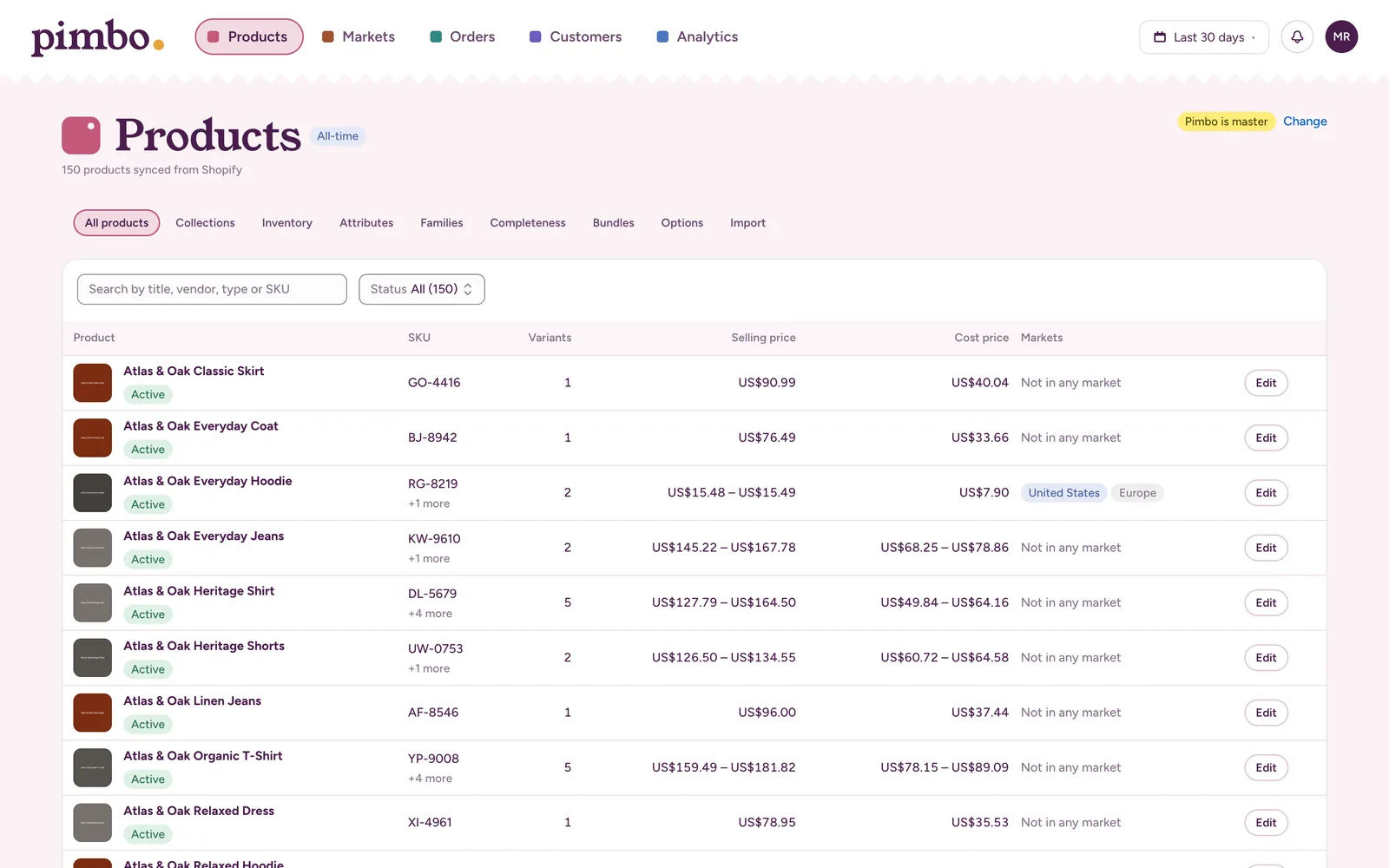
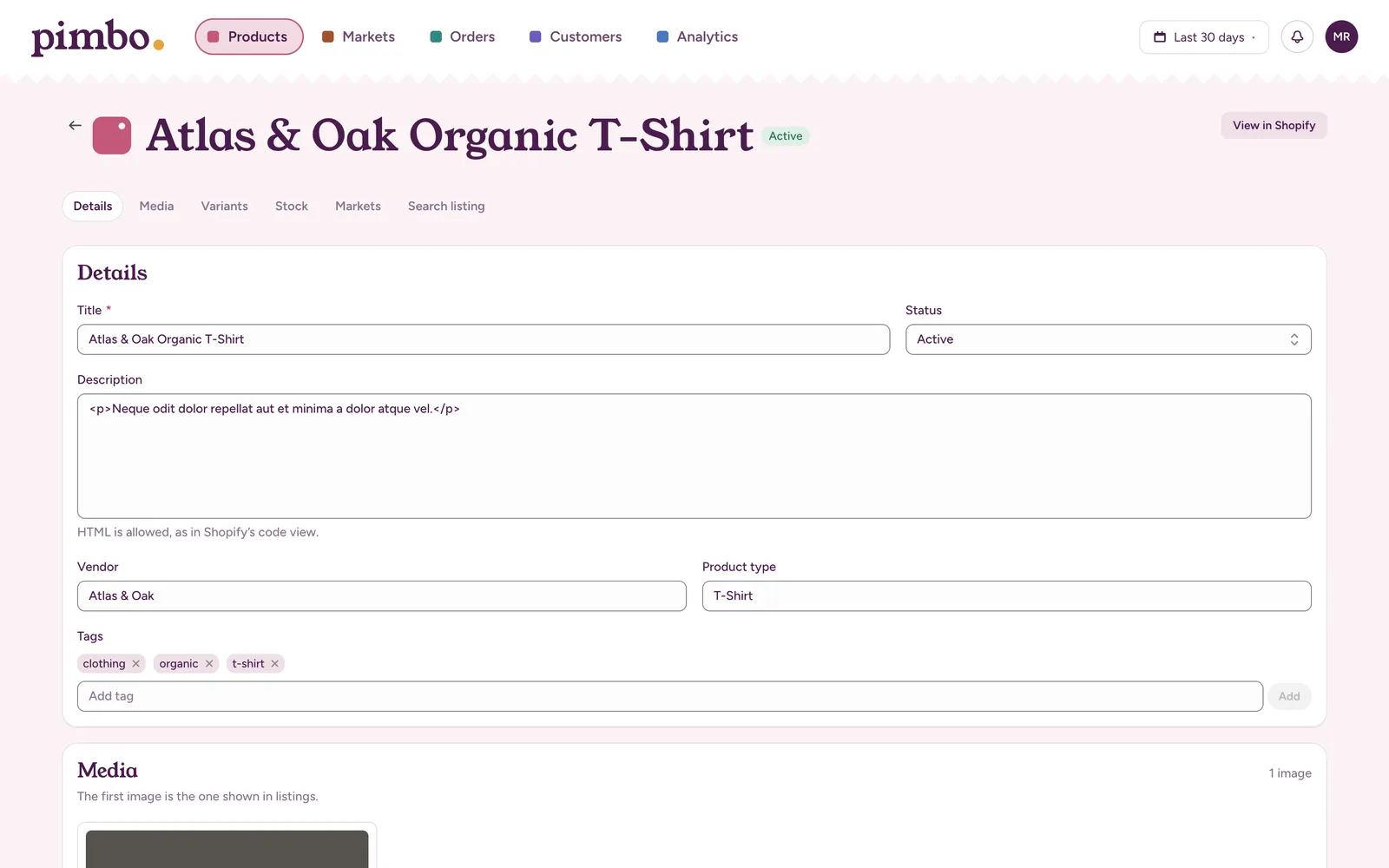
Every synced product sits in one list with its variants, SKUs, selling and cost prices, and the markets it sells in. Open a product to change its details or images, and saving sends the change straight to Shopify.
- Search by title, vendor, type or SKU, and filter by status
- Manual and smart collections, with products added to or taken out of a collection from its editor
- Products no market is selling are easy to spot
Know what each market sells
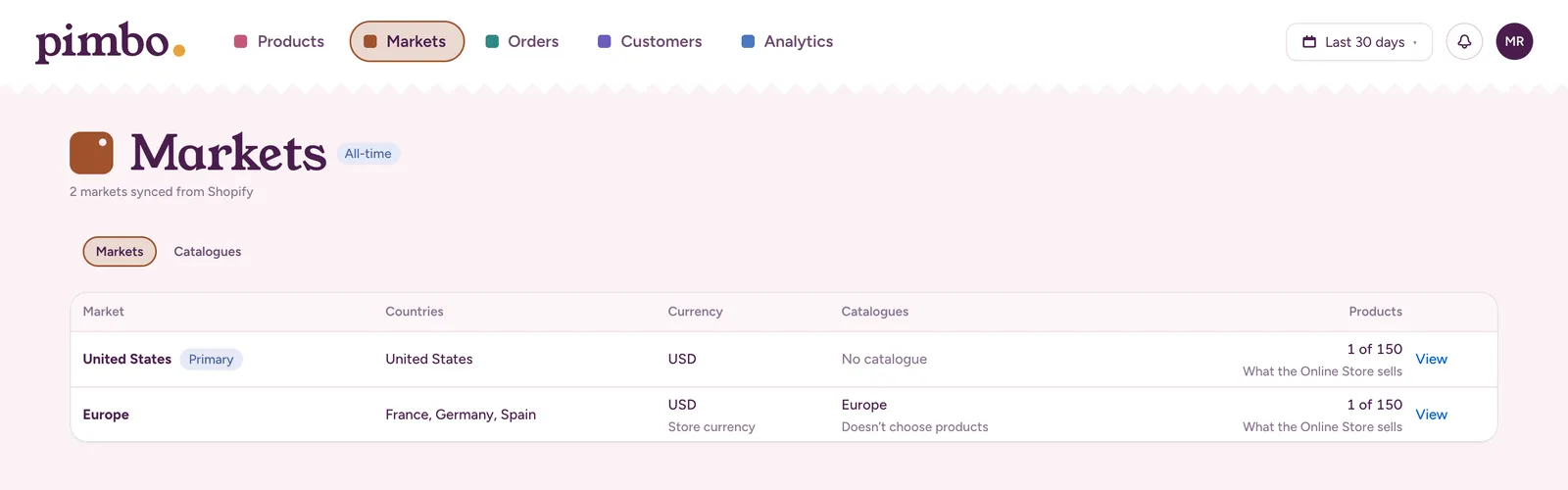
Markets and catalogues come straight from your Shopify settings. See the countries each market covers, the currency it charges in, the catalogue it uses and how many of your products it can sell.
- A market without a catalogue of its own shows what the Online Store sells
- Catalogues are listed with the markets they serve and their price lists
Look up any order or customer
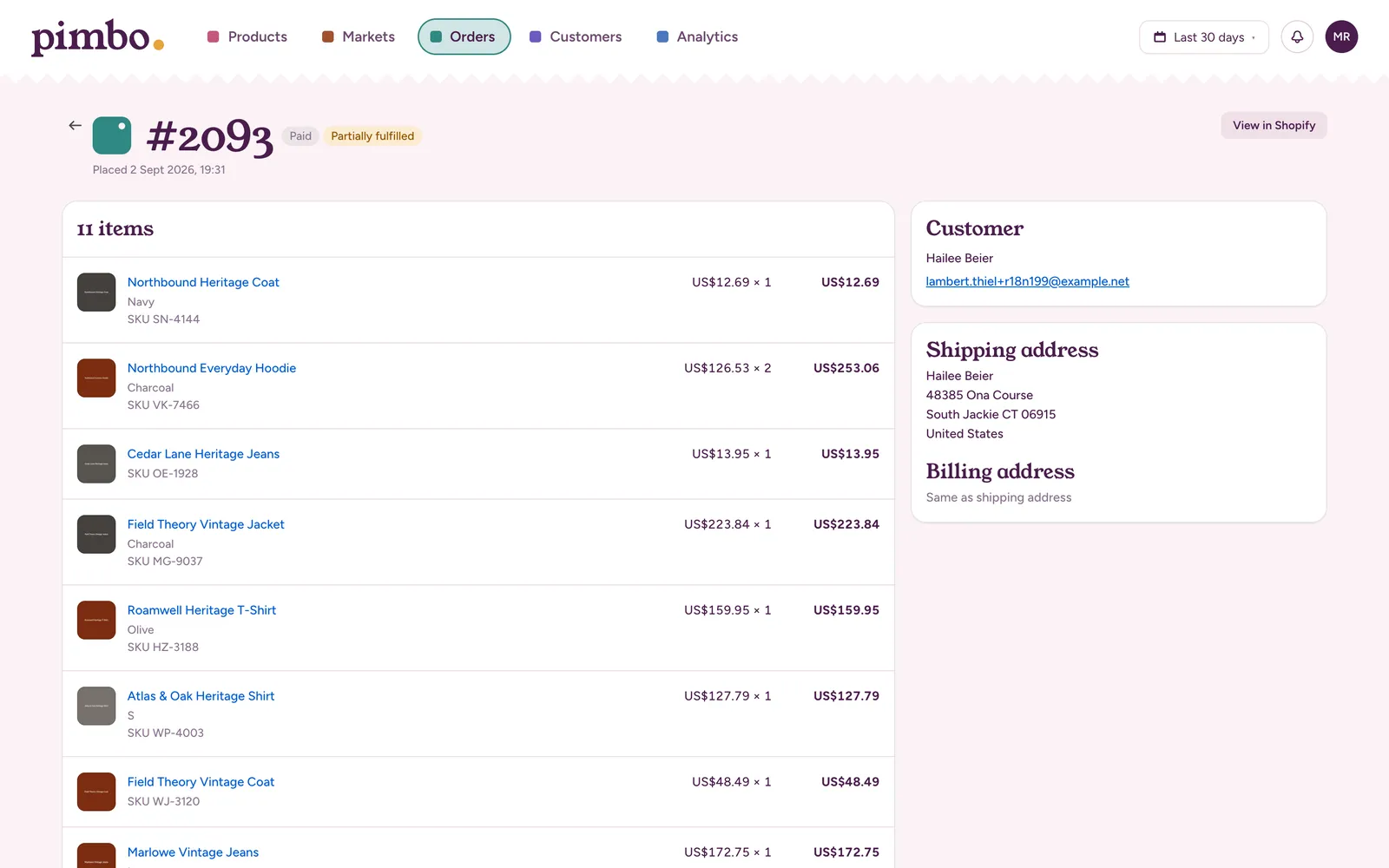
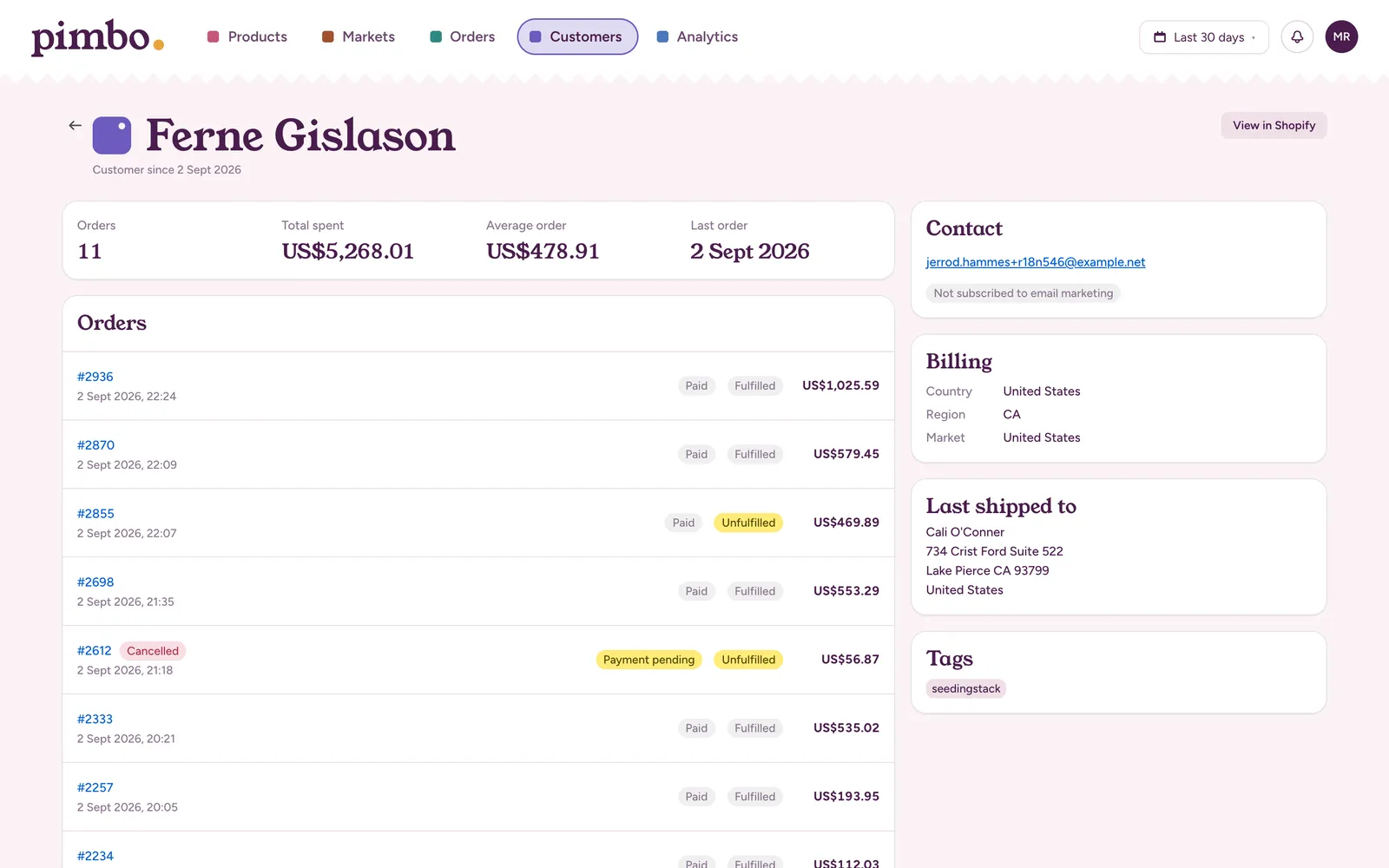
Search orders by number, customer or email, and filter by payment and fulfilment. An order shows every line with its variant and SKU, and where it’s going. A customer shows their orders, what they’ve spent, whether they get marketing emails, and the country, region and market they’re billed in.
Reports that show their working
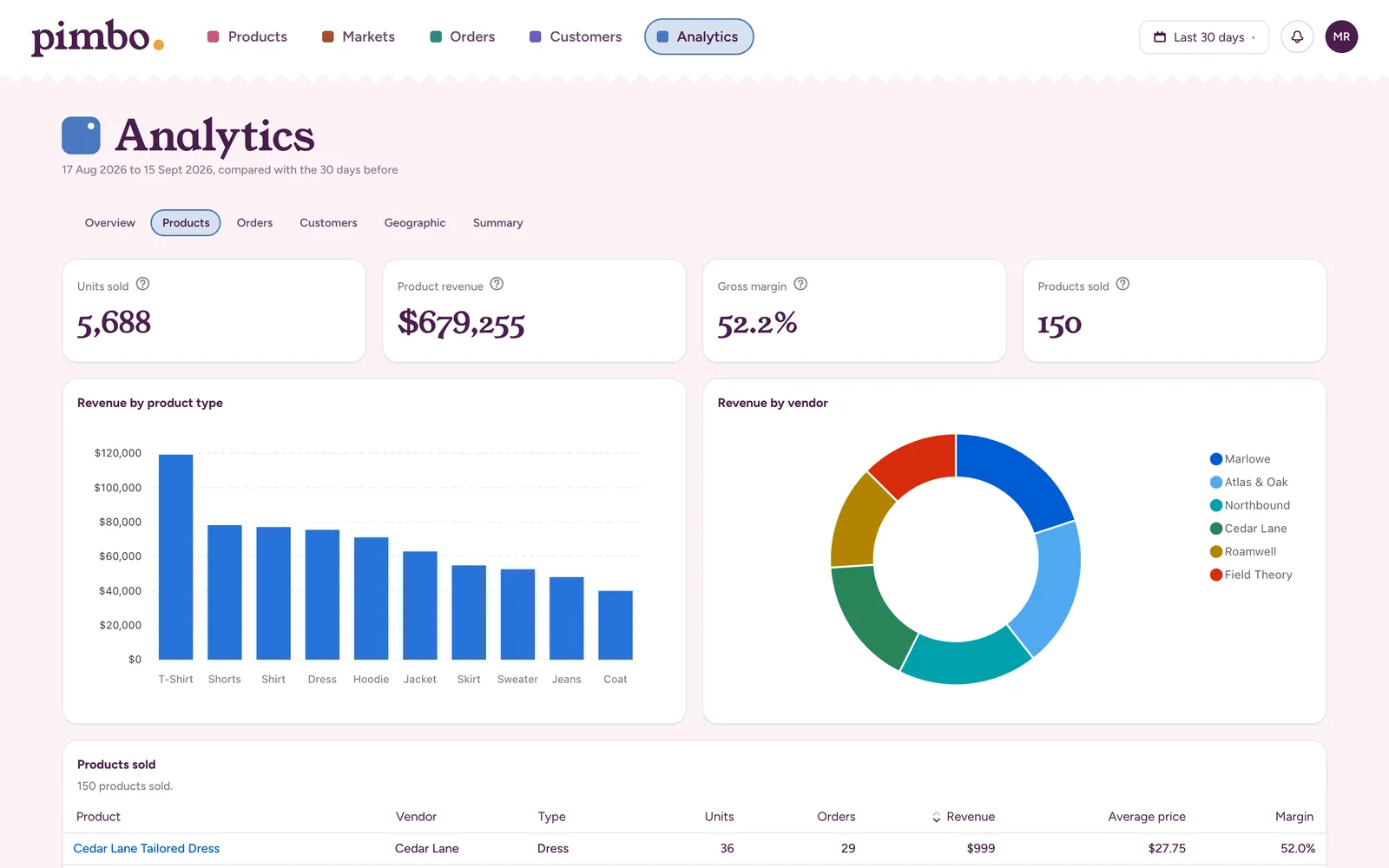
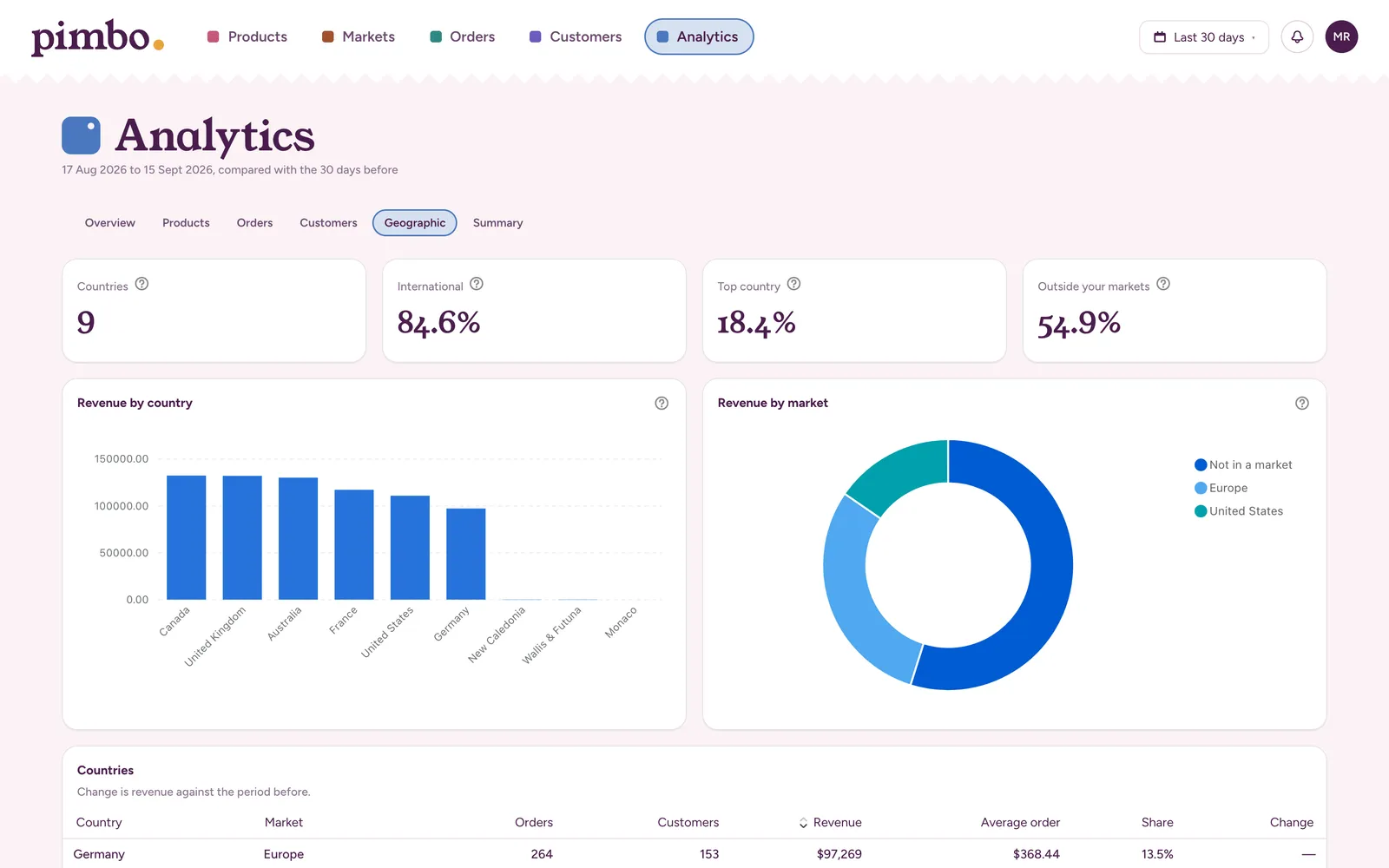
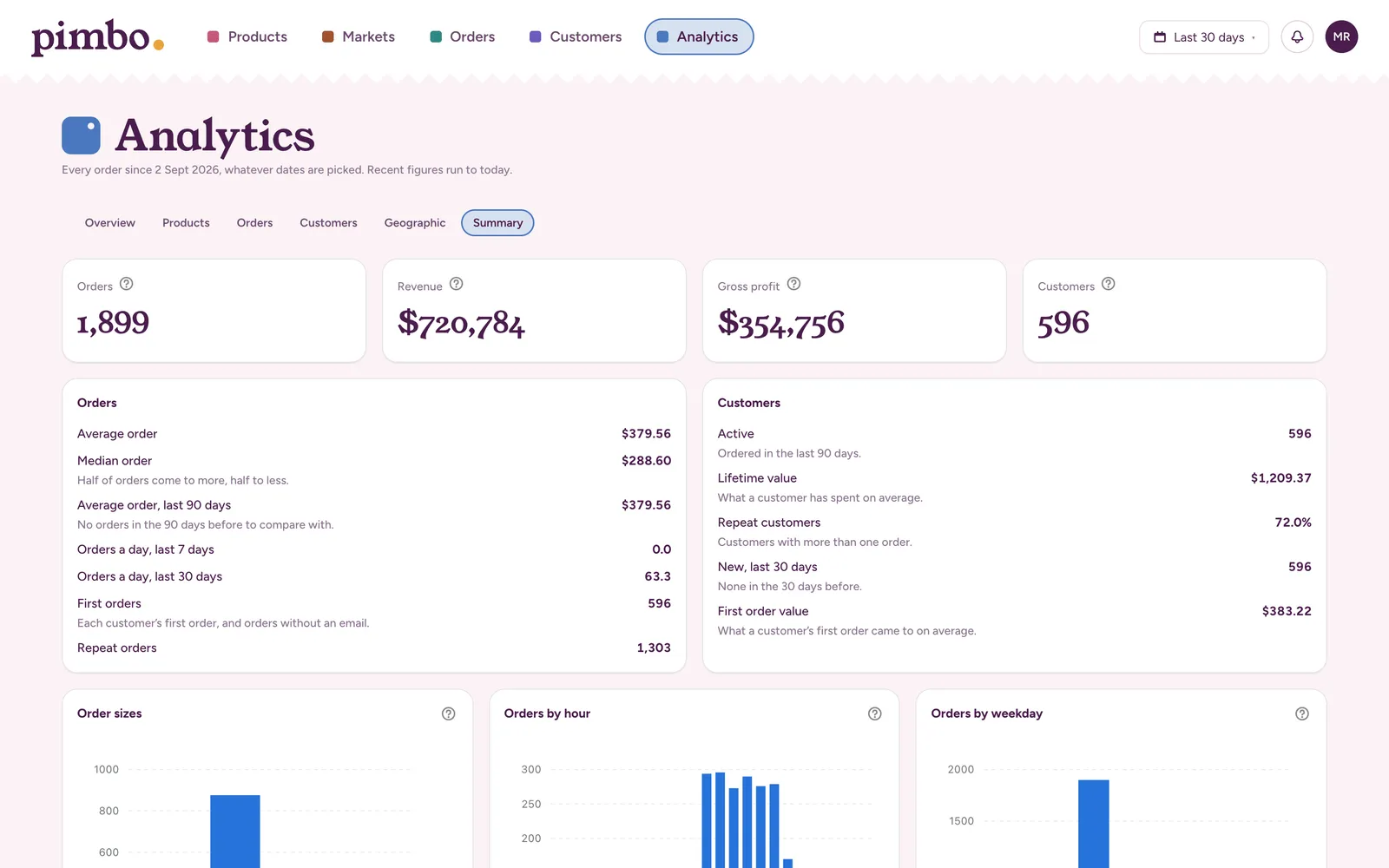
Pick a period and each report compares it with the one before. Every figure has a note saying how it’s worked out: cancelled orders never count, times are in your store’s time zone, and margins use each variant’s cost in Shopify.
- Products
- Units, revenue and gross margin, by product type and vendor.
- Orders
- When orders arrive, what they come to, and how they’re paid and fulfilled.
- Customers
- Who’s new, who’s come back, and who spends the most.
- Geographic
- Revenue by country, including from countries none of your markets covers.
- Summary
- A health check of the whole store: typical order, busy times, discounts and loyal customers.
Lay out your own store
Install pimbo from Shopify and your products, collections, markets, orders and customers sync in the background. Invite your team when you’re ready.